
Blind but Dangerous Controls & Inputs
Practical PC and mobile inputs for quiet movement, hunting, pushes, grabs, and code redeem.
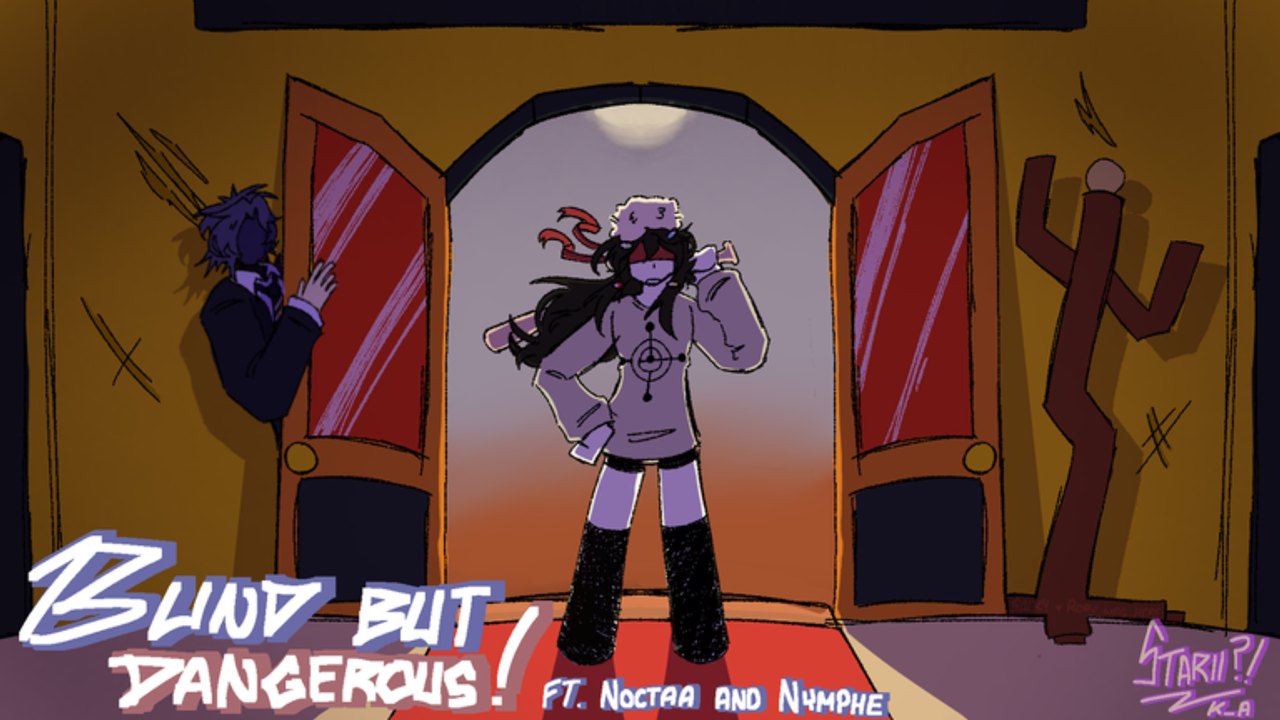
This controls guide for Blind but Dangerous is the practical input sheet: how to move quietly, how Blind Man shoots and pressures, how hiders push and break grabs, and where Settings hides the code box. Mechanics beat keybinds — but wrong habits on mobile or PC will feed free deaths before you ever open How to Hide. Pair this page with Whistle Mechanic, Hider, and Blind Man.
Roblox remaps can vary by device, experience UI scale, and whether you use keyboard, touch, or a controller. Treat labels below as the default community mapping players discuss in November 2026 sessions. If a patch renames a button, the intent stays the same: quiet steps, directional listening, deliberate contact.
Core movement (both roles)
| Action | Typical PC | Typical mobile | Noise / notes |
|---|---|---|---|
| Move | WASD | Thumbstick | Walking is the default sound budget |
| Sprint | Shift (or sprint toggle) | Sprint button | Loud — use after whistle relocates or emergency peels |
| Jump | Space | Jump button | Landing spikes audio — avoid spam |
| Camera | Mouse | Drag / gyro if enabled | Blind Man still aims facing with body orientation |
| Sneak / quiet step | Hold Control | On-screen sneak / walk control | Prefer this over sprint when near Blind Man |
There is no reliable “crouch solves stealth” shortcut in the way older hide-and-seek clones teach. Community guides emphasize Control / sneak walk, timing, and cover — not camping a crouch key. If your client shows a crouch-looking icon, still assume footsteps exist; play the sound budget, not the icon.
Quiet movement rules
- Default to walk or Control-sneak inside Blind Man audio range.
- Sprint only when the relocate path after a forced whistle needs distance.
- Jump only for geometry — never for hype.
- Stop moving for a beat after landing so footstep decay clears.
- Face your exit before you commit a noisy action so the camera does not swing wildly mid-sprint.
Hider-specific inputs
Hiders win by surviving contact and managing noise. Key interactions:
Push / shove
Push is the high-interest tool. Use it to break a grab or run a deliberate human-shield angle — not to troll Blind Man for clips. Spamming shove unlocks progress toward badges like annoying hider / bully on the Badges Guide but tanks your winrate. Approach from Blind Man’s rear arc when saving a teammate, shove once, then relocate.
Grab breakout
When grabbed, mash the breakout / struggle control your HUD highlights and call for a shove if allies are close. Do not AFK in the grab — long grab states relate to the xoxo badge territory and almost always end in a kill. After breakout, Control-sneak away; do not celebrate with a sprint circle.
Revive
Interact / hold-to-revive on downed teammates when Blind Man is committed elsewhere. Move immediately after the revive completes — dying within five seconds feeds actual hero. Full etiquette lives on How to Hide.
Whistle timer awareness
The whistle is not a key you choose freely on a cool-down wheel in the classic sense — it is a forced obligation on a recurring timer (community explainers often cite ~30 seconds). Your “control” is preparation: start moving early, arrive in two-exit cover, and let the ping fire on a path you picked. Deep dive: Whistle Mechanic.
Blind Man-specific inputs
You are blindfolded and armed. Vision is gone; facing direction and audio are everything.
Shoot / swing / primary fire
Use left click (PC) or the on-screen attack button (mobile) to fire or swing your threat tool when audio confirms a body nearby. Do not spray down empty hallways on cooldown forever — each miss teaches hiders your rhythm. Orient your character toward the last whistle or shove spike before you commit the shot.
Push and grab (hunter side)
Blind Man pressure tools include contact grabs and physical disruption. Grab to pin a noisy hider; finish or reposition before the scuffle hits the long xoxo window. When a hider shoves you, note the direction of the shove and walk into that vector — that is free information.
Listening workflow (input mindset)
- Stop sprinting so your own footsteps do not mask theirs.
- Strafe slightly to break audio dead zones near walls.
- Face the whistle, curve toward the likely relocate path, pause, then shoot/grab.
- After a kill, reset audio — do not keep swinging on corpse panic.
Full theory: How to Hunt.
Settings, codes, and menus
Codes are redeemed inside the experience, not on roblox.com.
- Open the three-dot menu (top-left).
- Open Settings.
- Choose Enter a code.
- Paste a string from the Codes Hub → Redeem.
Full troubleshooting: How to Redeem Codes. Redeem in lobby when possible so round HUD stress does not hide the menu. Group join for nεхus (community id 13105595) remains the recommended prep step.
Other Settings toggles (volume, graphics, UI scale) matter because muffled audio or tiny buttons lose rounds. Prioritize clear stereo and readable HUD over max particles.
Mobile vs PC notes
PC
- Keyboard sneak on Control plus Shift sprint is the cleanest sound budget control.
- Headphones + mouse facing make Blind Man aim feel fair.
- Avoid overlapping Discord push-to-talk with movement keys if you scream on death (Coolkidd energy is optional).
Mobile
- Keep sneak and sprint buttons reachable without covering the three-dot Settings control.
- Redeem codes in lobby — mid-chase thumb menus cause mis-taps into sprint.
- Lower haptic / notification noise; Blind Man players need every footstep.
- Touch aim benefits from shorter swipe sensitivity so you do not spin past a whistle bearing.
Controller
Map quiet walk to a hold bumper if available, and keep attack on a shoulder you will not bump while adjusting camera. Controllers are fine for Blind Man once audio is solid; hiders should still respect the same noise rules.
Map vote and mode screens
Between rounds you may vote maps such as Classic House, Classic Backrooms, Classic Mansion, or Infected variants. Mode labels can include standard 1 Blind Man vs hiders, Infected, Anarchy-tagged chaos, or mid-round blackout events. Inputs do not change — habits do. See Maps and Modes and Infected Mode.
Common input mistakes
- Holding sprint while “hiding nearby.”
- Jump-peeking corners as if Blind Man had vision.
- Push-spamming for badges instead of wins.
- Opening Settings mid-whistle and missing the relocate.
- Mobile players covering the attack button with the sprint thumb.
- Assuming crouch (if present) deletes audio.
Practice drills (5 minutes)
- Control-only lap: one round as hider without sprint except post-whistle.
- Shove budget: allow one Blind Man push; log why.
- Blind Man pause: after every whistle, stop moving for one second before swinging.
- Settings cold open: from lobby, redeem a dummy attempt path (without wasting codes) so muscle memory finds Enter a code under stress.
Related pages
- Getting Started — first-hour checklist
- How to Hide / How to Hunt
- Whistle Mechanic — timer prep
- Badges Guide — what spam pushes and long grabs unlock
- Codes Hub / How to Redeem
- Maps and Modes
- Guides Hub
Bind quiet movement first, then bind courage. Blind but Dangerous punishes noisy thumbs faster than slow learners.
Frequently Asked Questions
Quick answers to the most common questions.
What key is sneak in Blind but Dangerous on PC?
Hold Control for quieter / sneak-style movement on typical PC setups. Prefer it near Blind Man instead of sprinting. Always confirm your current keybind if you remapped Roblox controls.
Is there a crouch that makes you silent?
Do not rely on crouch as a stealth win button. Community play emphasizes Control sneak, walking, cover, and whistle prep — footsteps still matter.
How does Blind Man attack?
Orient toward the sound, then use left click on PC or the on-screen attack control on mobile to shoot or swing. Pause-listen before spraying empty space.
Where do I open codes in the controls UI?
Top-left three-dot menu → Settings → Enter a code. Redeem inside the experience, not on the Roblox website.
Should I push on mobile the same way as PC?
Yes — same rules. Use push to break grabs or run deliberate shields. Random shove spam reveals you on every platform.